Versefy
A music player for people who actually care about their music. Free, offline, yours.
Honestly, kind of a lot.
Everything below runs on your machine. Pick what you like, ignore the rest.
DJ Mode
Two decks, a crossfader, EQ and tempo on each side. Load any song on either deck and mix like it's a real setup.
Spatial Audio
Drag a ball on a pad to place the sound wherever you want in your headphones. Sounds way cooler than it has any right to.
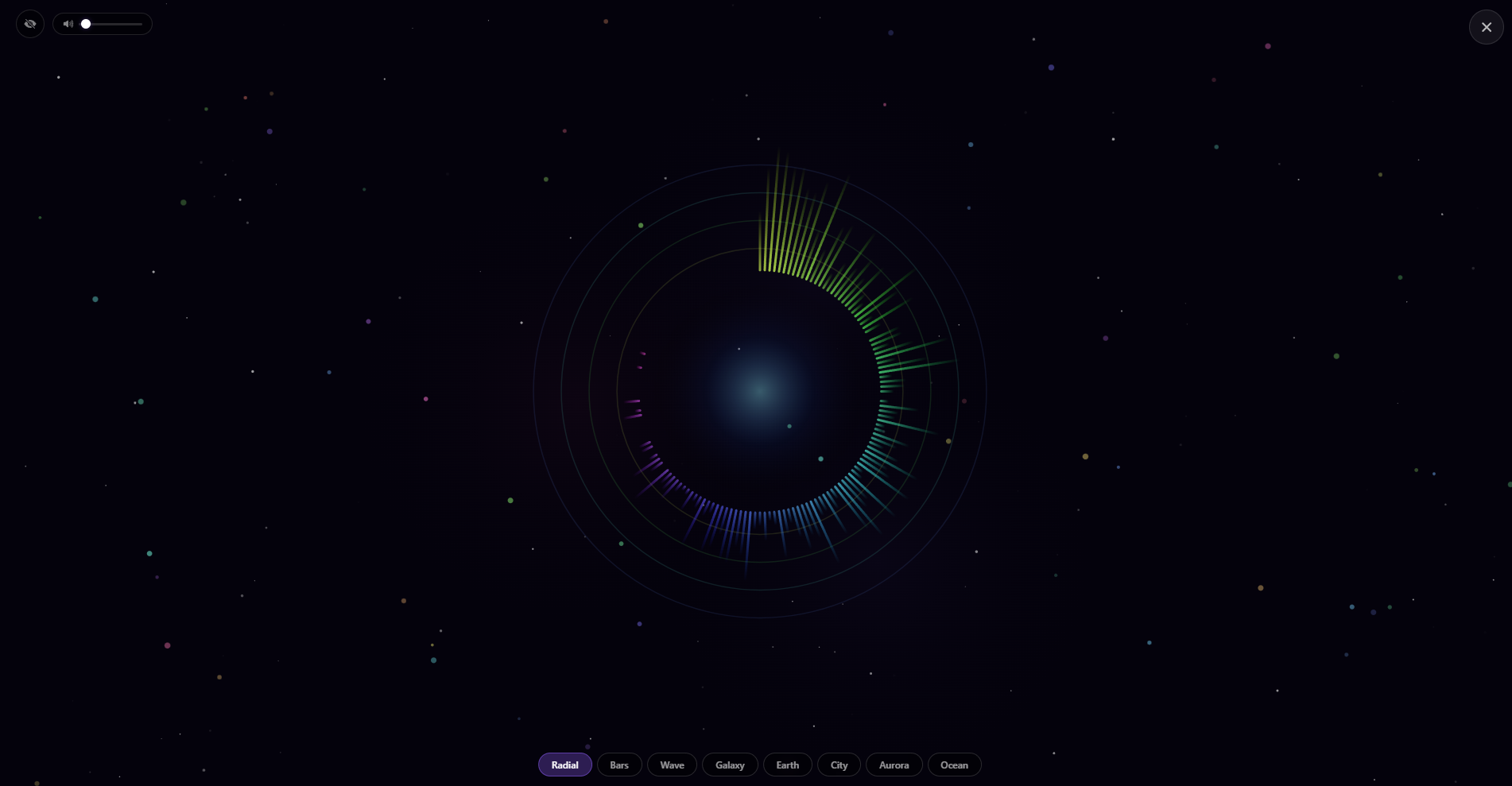
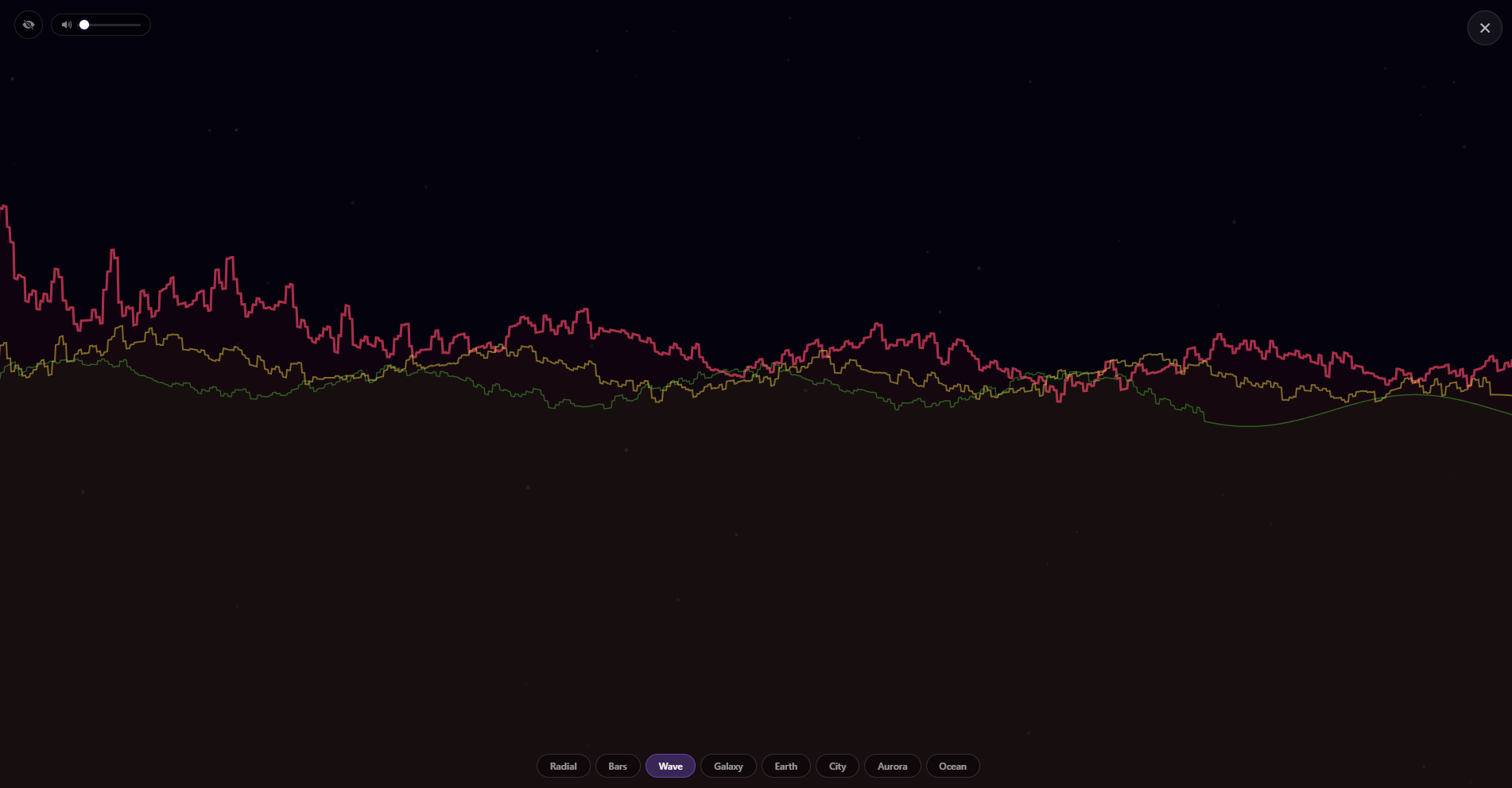
8 Visualizers
Radial, Bars, Wave, Galaxy, Earth, City, Aurora, Ocean. All beat-reactive. Set any of them as your desktop wallpaper.
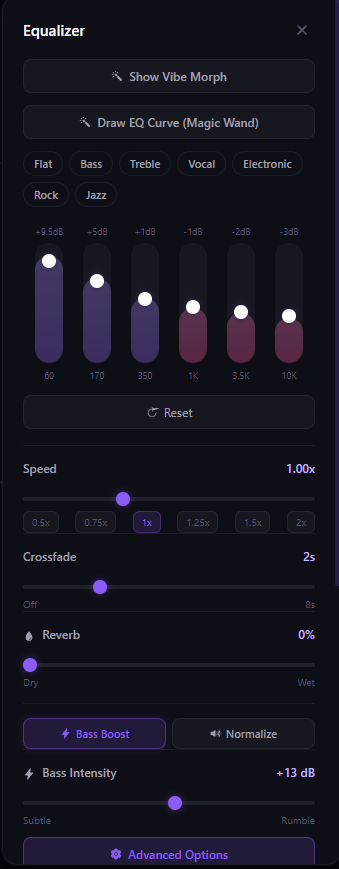
The best EQ on any music player. Period.
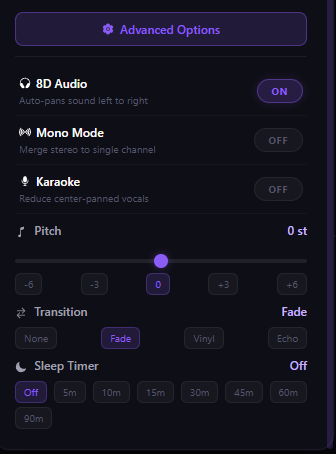
Full 6-band EQ with presets (Bass, Treble, Vocal, Electronic, Rock, Jazz…) — or throw the sliders out entirely and draw your own curve with the magic-wand canvas. Bass Boost with an intensity slider (1–24 dB, go as hard as you want). Pitch shift ±12 semitones. Reverb with a dry/wet knob. Effect modes for Nightcore and Slowed + Reverb baked in. If you can hear it, you can shape it.
8D Audio — real, not a TikTok gimmick
Put headphones on and flip it. The sound orbits your head — side-to-side, back-to-front, a full rotation that actually works because it's processed through a real stereo panner, not a fake preset. Every song instantly feels like a live show. Combine with Reverb and it's unfair.
YouTube Import
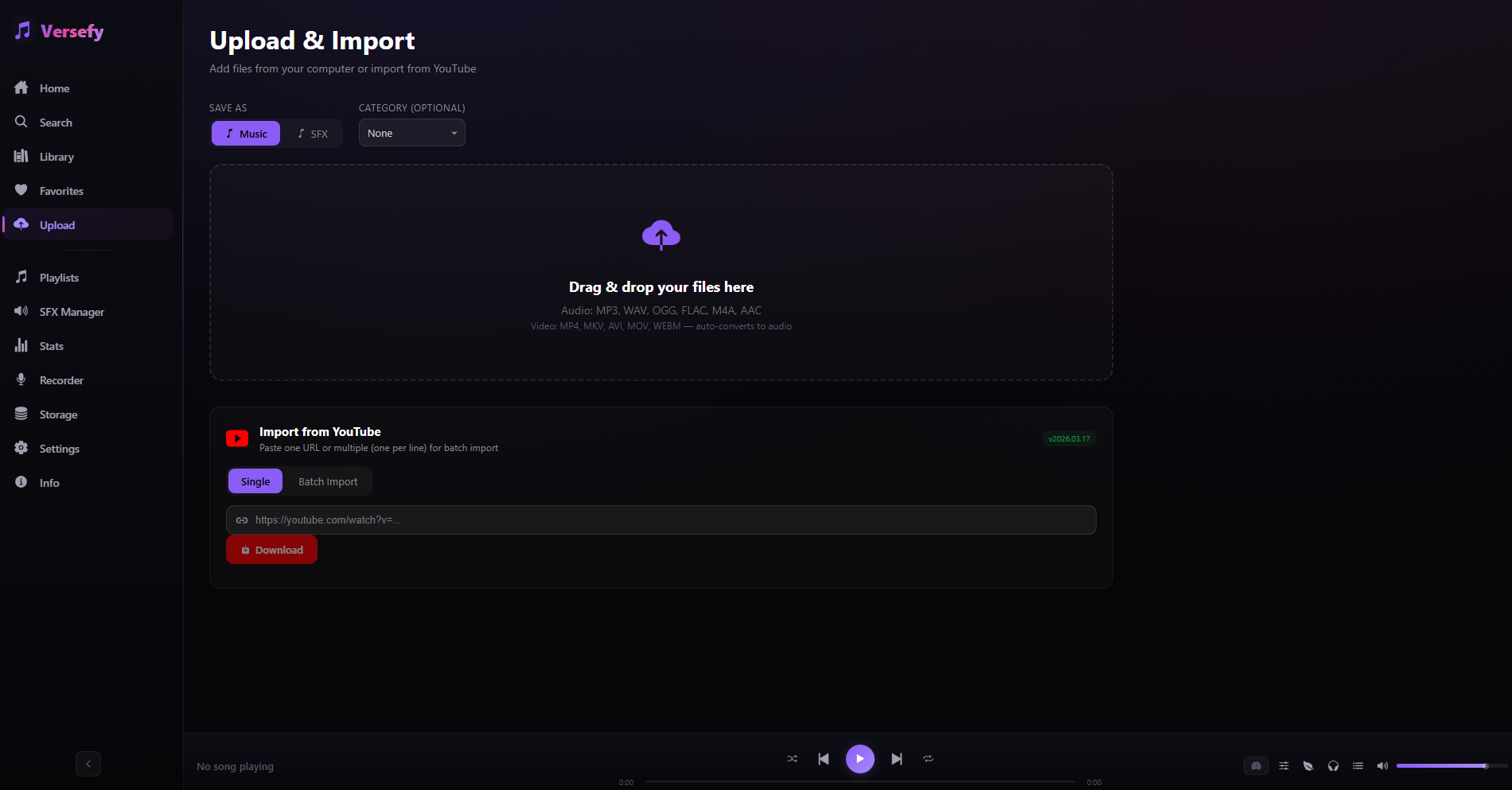
Paste a link. Get the audio. That's it.
Video Background
Use any YouTube link or local clip as the app background. Chill aesthetic unlocked.
SFX Stuff
Record your own, trim, EQ, export. Useful if you do streams or content.
Monthly Wrapped
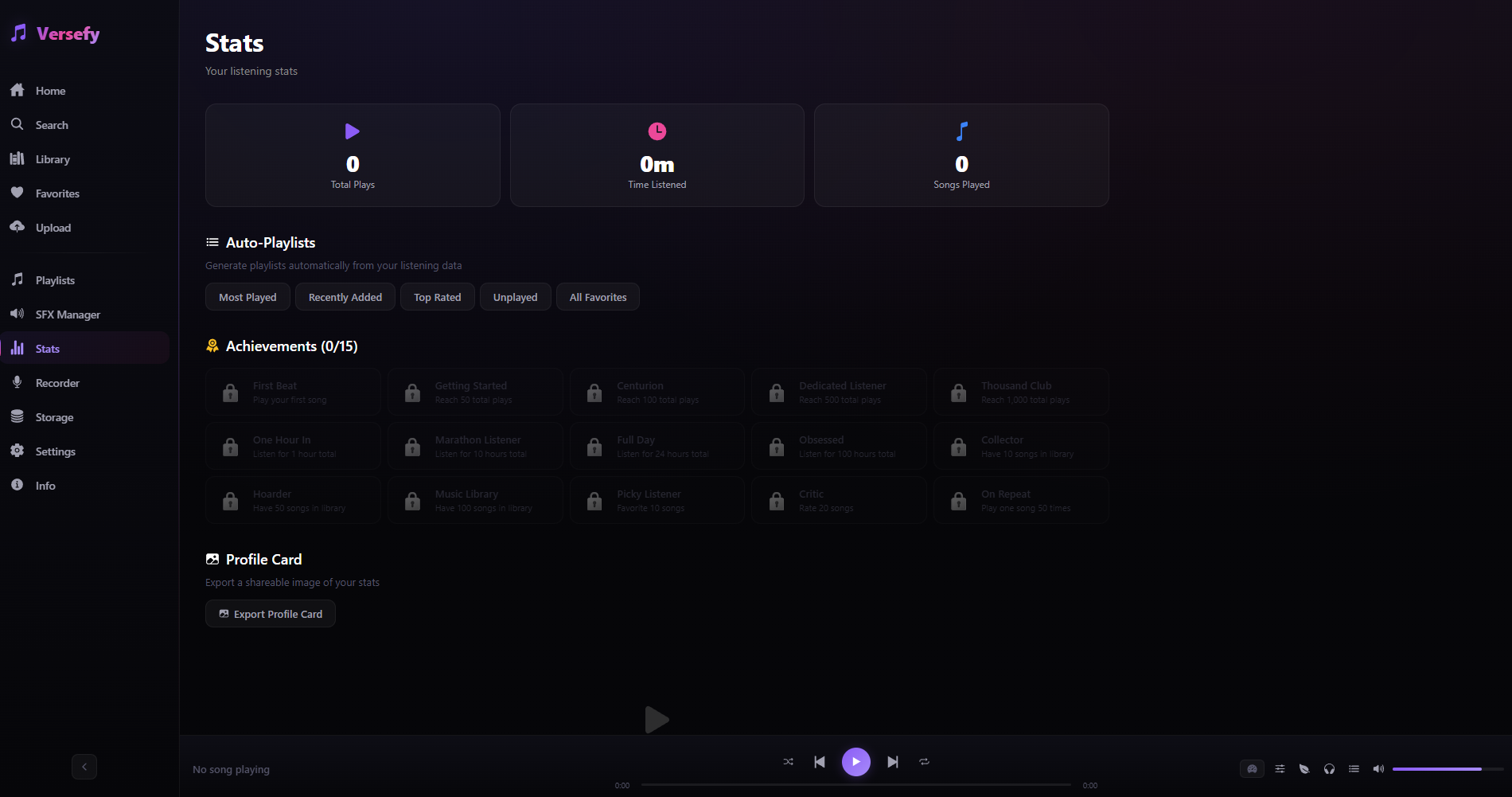
Your month in music, Spotify-style — but only counts time when you actually listened, not when it was paused in the background. Shows up near month-end.
Share over Wi-Fi
Play a track on another device on your local network. Nothing leaves your house.
Yours, only yours.
Runs 100% on your PC. No accounts. No analytics. No servers. The full source is on GitHub if you're curious.
Make it look how you want
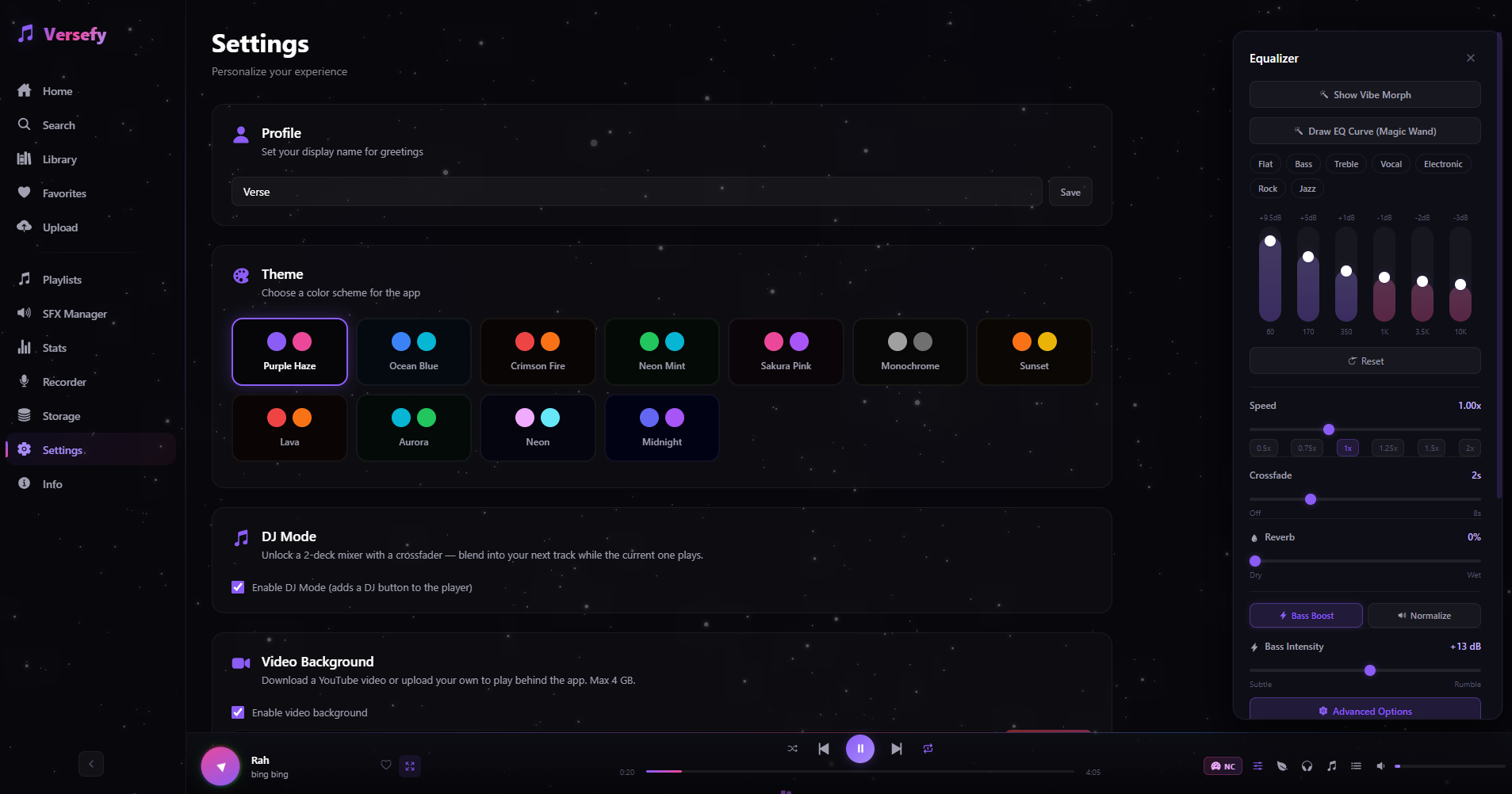
Themes, custom fonts, custom CSS, hotkeys, OBS overlay, theater mode. Make it your thing.
What it looks like.

Hey, I'm Verse.
Made this because I wanted to.
Versefy is a side project. It's free, it'll stay free, and I'm not selling it. If it makes your music listening a bit better, that's the whole point.
Don't rebrand it. Don't use it for anything weird. Otherwise have fun with it.
Grab it here.
Versefy for Windows
This button always points to the latest version.
Built safe from day one.
Every line of code is on GitHub. Nothing hidden.
Runs entirely on your PC. No servers, no accounts, no cloud.
No analytics, no telemetry, no cookies. Ever.
Remove it from Windows settings — fully gone, nothing left behind.
Install-Versefy-Dependencies.bat
Run this once if you want YouTube imports to work. That's it.
Quick start
- Run the .exe installer.
- Want YouTube imports? Run the .bat too.
- Open the app, upload some songs, done.
Wanna throw me a few bucks?
Totally optional.
If you're using Versefy a lot and feel like tipping, it helps me keep building. If not — no worries, it's free either way.
☕ Ko-fi